Introduction
I have spent a lot of time working with Windows as my primary operating system. For a Laravel developer, Windows can be a comfortable environment, especially with tools like Laragon that make local development relatively straightforward.
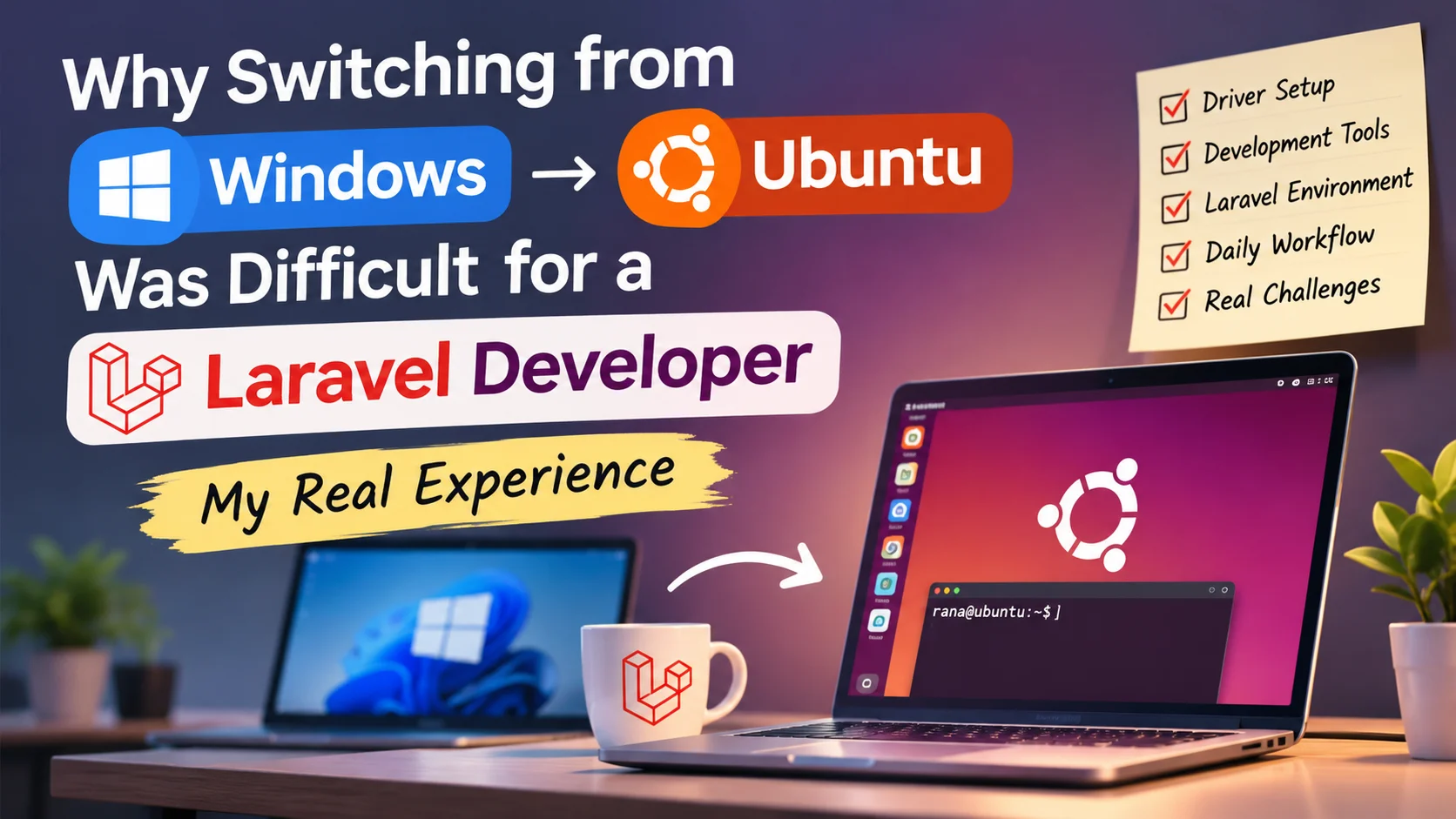
Recently, I decided to move to Ubuntu. Linux seemed like a natural choice for someone who works with PHP, Laravel, servers, databases, and command-line tools.
However, switching operating systems was not as simple as installing Ubuntu and continuing my work. I had to rethink several parts of my development workflow, configure tools manually, and troubleshoot problems I had never experienced on Windows.
This article covers my experience, the difficulties I encountered, and what I learned during the transition.
Why I switched to Ubuntu
My work involves more than writing Laravel application code. I also manage VPS servers, configure Nginx, work with PHP, Composer, databases, Git, Node.js, and other development tools.
Since many production servers run Linux, working directly in a Linux environment seemed beneficial. I wanted to reduce the differences between my local development environment and the servers where I deploy applications.
Ubuntu also provides a powerful terminal, package management, and direct access to common server technologies.
My goal was not simply to use Linux. I wanted a development environment that worked naturally with the tools I use every day.
The Laravel environment challenge
This was one of the biggest differences I noticed after switching from Windows. On Windows, I was comfortable using Laragon to manage local PHP development.
It provided a convenient way to manage PHP, MySQL, Apache or Nginx, and local project domains. I could create projects and access them through local URLs without spending much time configuring the system.
Finding a Laragon alternative
Ubuntu does not provide exactly the same Laragon experience by default. I had to explore different approaches for managing PHP, databases, web servers, and local domains.
Installing PHP and Composer was only part of the process. I also needed to configure the web server, database, permissions, project directories, and local hostnames.
Managing multiple Laravel projects
I work with multiple projects, and each project can have different requirements. Managing PHP versions, dependencies, database settings, and local domains needs a consistent approach.
A development environment should allow me to switch between projects without repeatedly changing system-wide settings.
Typical Laravel development tools
Problems I faced in daily use
Installing Ubuntu was just the beginning. The real challenges appeared when I started using it for regular development work.
1. Software and driver compatibility
Some hardware and software that worked immediately on Windows required additional configuration on Ubuntu. Printer drivers were one example. Finding compatible packages and resolving dependencies took time.
2. External drive and filesystem issues
I also faced problems accessing an external NTFS drive. Windows could access the drive, but Ubuntu reported filesystem-related errors.
This taught me that switching operating systems can expose filesystem and configuration problems that may not be obvious in the previous environment.
3. Different software installation methods
On Windows, I was used to downloading installers or using tools that manage everything through a graphical interface. Ubuntu introduced me to package repositories, APT, dependency management, permissions, and system services.
4. Getting comfortable with the terminal
The terminal is powerful, but it also requires understanding commands and their effects. A wrong configuration or command can affect system services, permissions, or files.
I had to become more careful about understanding commands before executing them.
What I learned from the transition
Switching to Ubuntu changed how I think about development environments. I learned that a good operating system alone does not guarantee a good development workflow.
The tools, configuration, hardware compatibility, and project requirements all matter.
My practical recommendations
- 1Back up important files before changing operating systems.
- 2Check hardware and peripheral compatibility before installation.
- 3Document your existing Windows development environment.
- 4Plan how you will manage PHP versions and local domains.
- 5Keep project-specific dependencies and configurations organized.
- 6Learn basic Linux commands and understand permissions.
- 7Test your important projects before removing your previous environment.
Most importantly, do not expect your previous workflow to work exactly the same way on a new operating system. Give yourself time to understand the differences.
Final thoughts
Switching from Windows to Ubuntu was more challenging than I initially expected. As a Laravel developer, I had to rebuild parts of my familiar development workflow and solve several compatibility and configuration issues.
However, the experience also helped me understand Linux more deeply. I became more familiar with package management, system services, filesystem permissions, and the technologies commonly used on production servers.
I would not say that Ubuntu is automatically better than Windows for every developer. Both have strengths. The right choice depends on your tools, projects, hardware, and personal workflow.
If you are also planning to switch, prepare your development environment first. Do not underestimate the time needed to configure your tools.
Rana Bepari
Software Engineer · RANA Insights
RANA Insights shares practical ideas, technical experiences, and useful solutions from everyday work.